ハードウェアとソフトウェアの両面で
ものづくり・製造業界をサポートします。
-

レーザー加工機
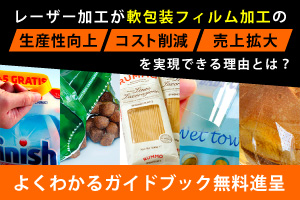
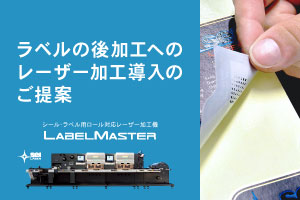
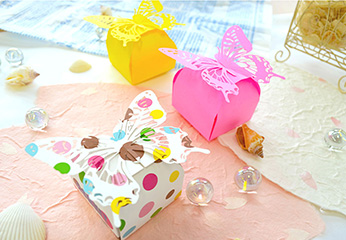
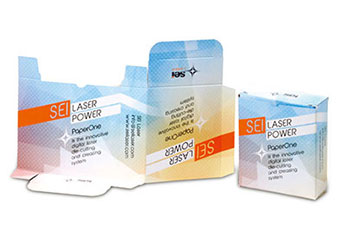
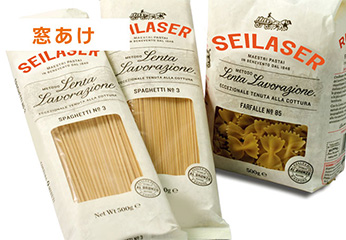
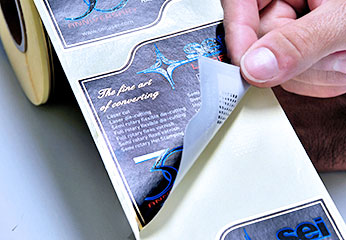
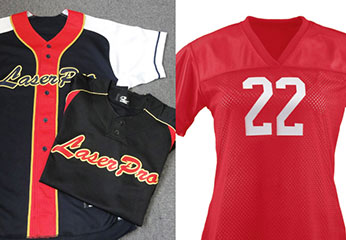
SEIシリーズ世界No.1の精度を誇る大型特殊レーザー加工機のトップブランド。シール・ラベル・軟包装・デニム加工業界に特化した専用モデルも。
-
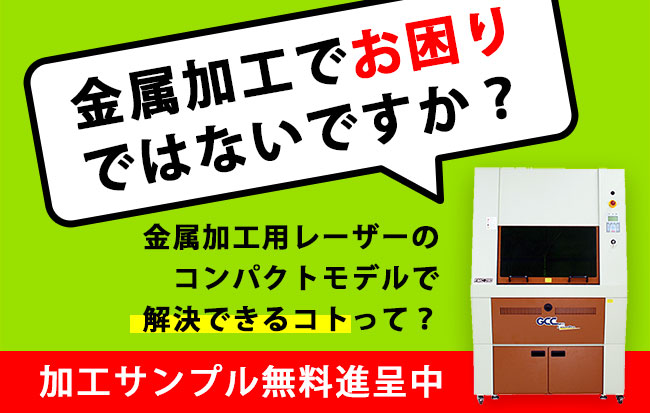
レーザーカッター
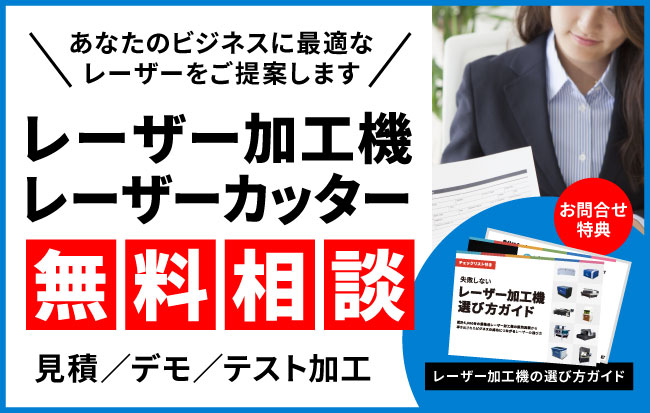
GCCシリーズ世界有数の販売シェアを誇るレーザーカッターのトップブランド。
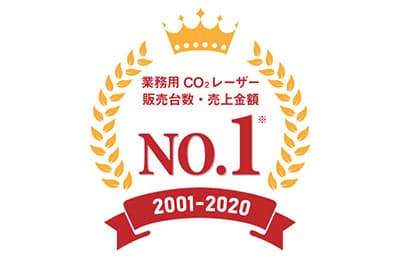
業務用レーザーカッターでは国内販売台数 23年連続No.1。 -
ウォータージェットカッター
WAZER世界初の小型ウォータージェットカッター。研究開発(R&D)や教育機関でも利用できるコンパクト&静音設計、導入費用も約1/10に。
-
やる気引き出しツール
MONJU(モンジュ)社員の成長をうながす、やる気引き出しツール。人事評価、360度評価、1on1、従業員満足度調査。
無料でお試しいただけます。 -
アルコールチェック管理
CARLCO(カールコ)煩雑になりがちなアルコールの検査記録の入力や管理・保管を一括管理できるクラウド型サービス。
※無料でご利用いただけます。 -
看板業界向け 業務システム
SignJOBZ脱エクセル見積で利益が見える!製造原価、請求漏れ、施工予定、作業日報も見える業務管理システム・業務管理ソフト。